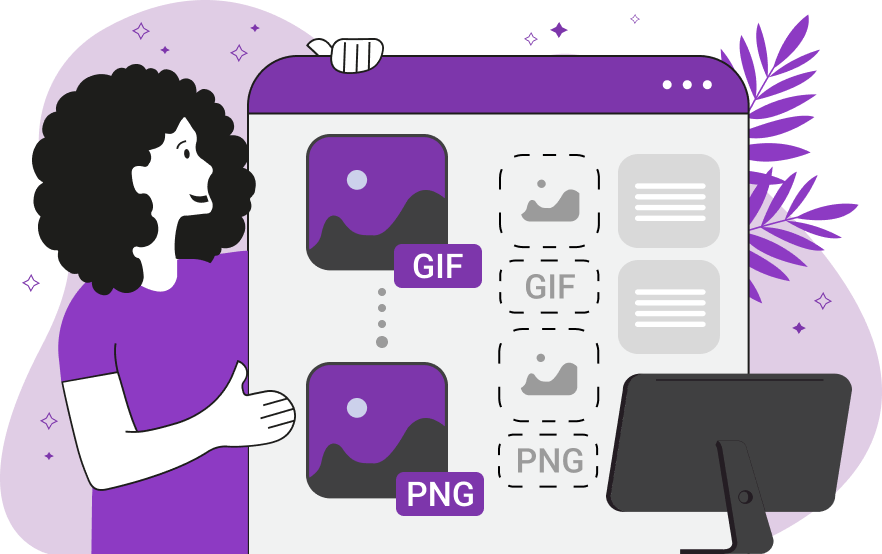
Animated GIFs are widely used on the web, but they are not always the best format for every situation. If you need higher image quality, better transparency, or individual frames, converting a GIF to PNG is often the best solution.
Why Convert GIF to PNG?
PNG is a popular image format known for its lossless quality and transparency support. Converting GIF to PNG offers several advantages:
- Lossless image quality
- Full alpha transparency
- Better for design and editing
- Higher resolution output
- Ideal for logos, UI elements, and web graphics
GIF files are mainly used for animations, while PNG is better for static, high-quality images. Learn more about image formats at MDN Web Docs - Image Formats.
How to Convert GIF to PNG Online for Free
You can convert GIF to PNG easily using FreeConvertify GIF to PNG Converter.
- Open the GIF to PNG Converter on FreeConvertify
- Upload your GIF file
- Click Convert
- Download the PNG image instantly
No registration, no watermark, and completely free.
Convert Animated GIF to PNG Frames
Many users want to extract images from animated GIFs. When converting an animated GIF to PNG:
- Each frame is converted into a separate PNG image
- Frame order is preserved
- Transparency remains intact
This feature is useful for designers and developers working on web projects or animations.
GIF to PNG Without Losing Quality
PNG is a lossless format, which means no quality is lost during conversion. FreeConvertify ensures:
- Original resolution is preserved
- No resizing or recompression
- Accurate colors and transparency
Read more about lossless image formats on ImageMagick - Supported Formats.
GIF vs PNG: What’s the Difference?
| Feature | GIF | PNG |
|---|---|---|
| Image Quality | Limited | High (Lossless) |
| Transparency | Basic | Full Alpha Transparency |
| Animation | Supported | Not Supported |
| Best Use | Simple animations | High-quality images |
When Should You Convert GIF to PNG?
- Need still images from an animation
- Want higher image quality
- Working on design or web projects
- Need transparent backgrounds
Is GIF to PNG Conversion Free?
Yes. FreeConvertify’s GIF to PNG converter is 100% free, with:
- No hidden limits
- No watermarks
- No account required
- Secure file processing
Frequently Asked Questions
Can I convert animated GIFs to PNG? Yes, animated GIFs are converted into individual PNG frames.
Does PNG preserve transparency? Yes, PNG fully supports transparency.
Will PNG lose quality after conversion? No, PNG is a lossless format.
Can I use the converter on mobile devices? Yes, FreeConvertify works on all devices.
Conclusion
If you’re looking for a fast, free, and reliable GIF to PNG converter, FreeConvertify is the perfect solution. Whether you need better image quality or want to extract frames, PNG offers superior results.
Try the FreeConvertify GIF to PNG converter today.